 Jean-Baptiste RonssinandLucas Bordeau
e6cdae5c27
Jean-Baptiste RonssinandLucas Bordeau
e6cdae5c27
to resolve the issue #13047

It's my first contribution, I hope it's good enough!

When using the slash command (/) in the notes editor, a menu of commands
appears. When navigating this menu with the up and down arrow keys, the
selection changes, but the menu itself does not scroll. This means that
as the list of commands is long, items outside the visible area cannot
be seen when selected.


The issue was located in the [CustomSlashMenu.tsx] component. The menu
container didn't have vertical scrolling enabled, and there was no logic
to scroll the active item into the visible area.

The fix involved:

Adding overflow-y: auto to the menu's styled container in
[CustomSlashMenu.tsx].
Modifying the [DropdownMenuItemsContainer] component to accept and
forward a ref using React.forwardRef.
Implementing a useEffect hook in [CustomSlashMenu.tsx] that triggers on
selection change. This hook uses a ref to the items container to call
scrollIntoView({ block: 'nearest' }) on the currently selected menu
item.

---------

Co-authored-by: Lucas Bordeau <bordeau.lucas@gmail.com>

The #1 Open-Source CRM
🌐 Website · 📚 Documentation ·  Roadmap ·
  Discord ·
  Figma
Figma
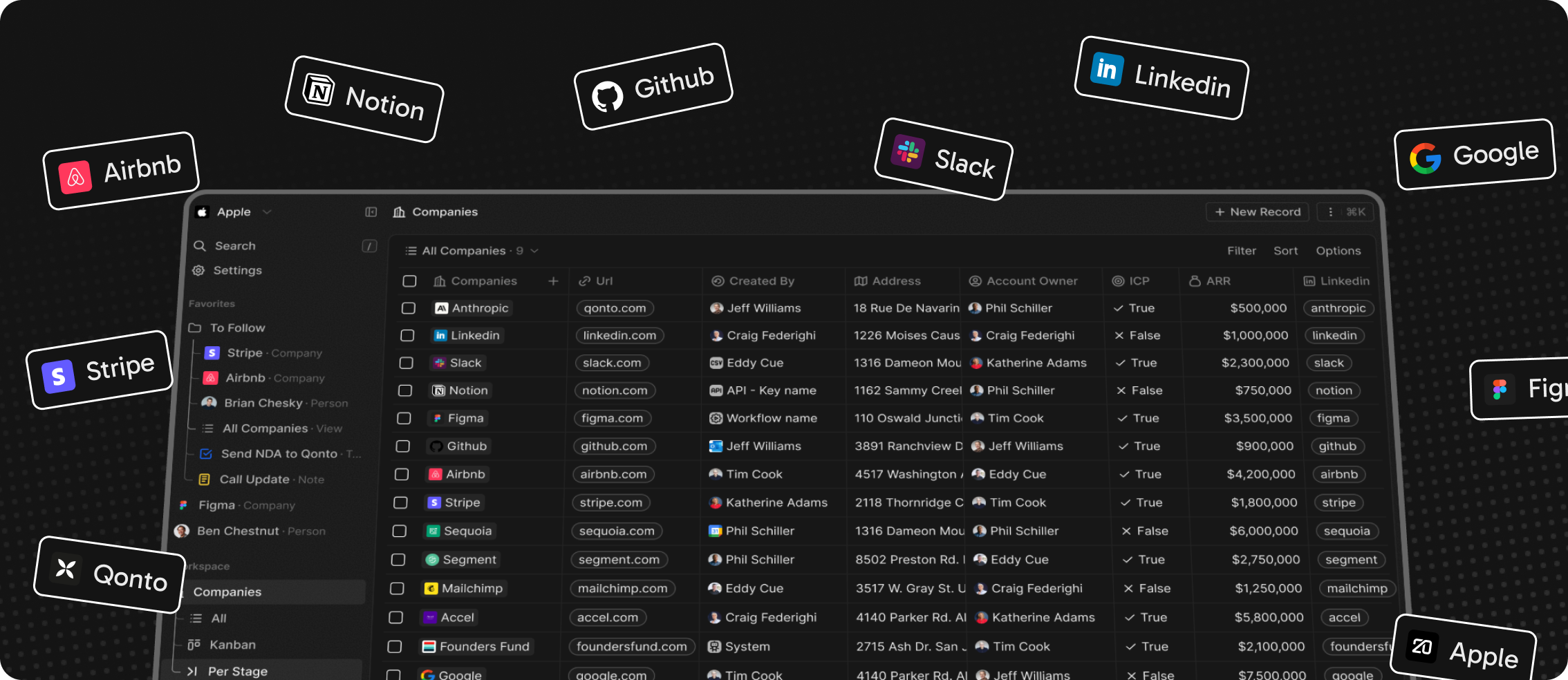
Installation
See:
🚀 Self-hosting
🖥️ Local Setup
Does the world need another CRM?
We built Twenty for three reasons:
CRMs are too expensive, and users are trapped. Companies use locked-in customer data to hike prices. It shouldn't be that way.
A fresh start is required to build a better experience. We can learn from past mistakes and craft a cohesive experience inspired by new UX patterns from tools like Notion, Airtable or Linear.
We believe in Open-source and community. Hundreds of developers are already building Twenty together. Once we have plugin capabilities, a whole ecosystem will grow around it.
What You Can Do With Twenty
Please feel free to flag any specific needs you have by creating an issue.
Below are a few features we have implemented to date:
- Personalize layouts with filters, sort, group by, kanban and table views
- Customize your objects and fields
- Create and manage permissions with custom roles
- Automate workflow with triggers and actions
- Emails, calendar events, files, and more
Personalize layouts with filters, sort, group by, kanban and table views

Customize your objects and fields

Create and manage permissions with custom roles

Automate workflow with triggers and actions

Emails, calendar events, files, and more

Stack
- TypeScript
- Nx
- NestJS, with BullMQ, PostgreSQL, Redis
- React, with Recoil, Emotion and Lingui
Thanks




Thanks to these amazing services that we use and recommend for UI testing (Chromatic), code review (Greptile), catching bugs (Sentry) and translating (Crowdin).
Join the Community
- Star the repo
- Subscribe to releases (watch -> custom -> releases)
- Follow us on Twitter or LinkedIn
- Join our Discord
- Improve translations on Crowdin
- Contributions are, of course, most welcome!